AI Inpainting • Background Preserved

Remove Watermarks
from Any Image

Erase watermarks, logos, stamps, and overlays while intelligently reconstructing the background underneath. No manual masking required.

Drop your image here

Upload an image with watermarks, logos, or stamps to remove them

JPGPNGWEBPUp to 24MB
Instant Results
A few seconds
🎯
AI Precision
Smart watermark detection
🖼️
Clean Output
Background reconstructed
🚫
No Masking
Fully automatic
AI Watermark Remover Examples

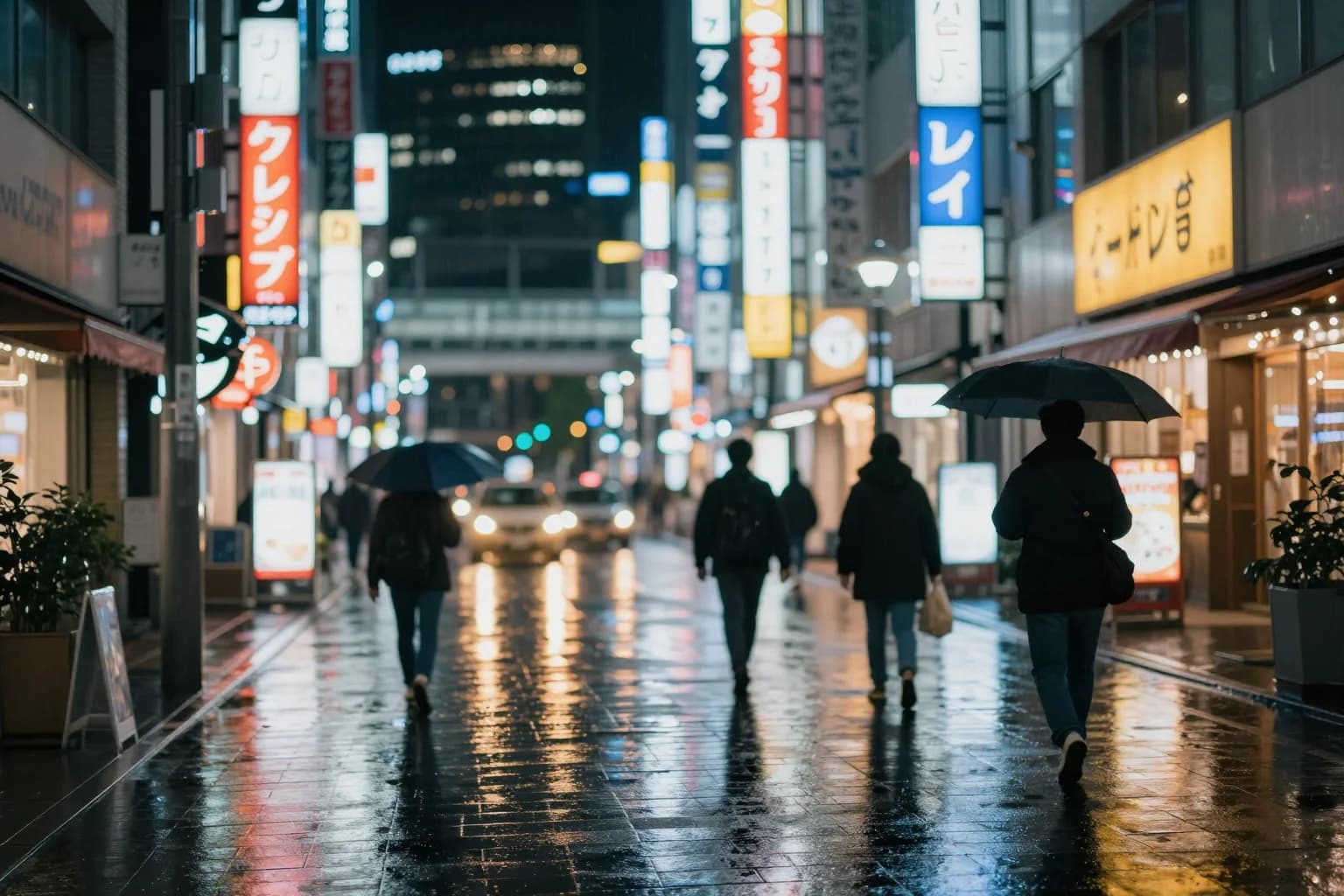
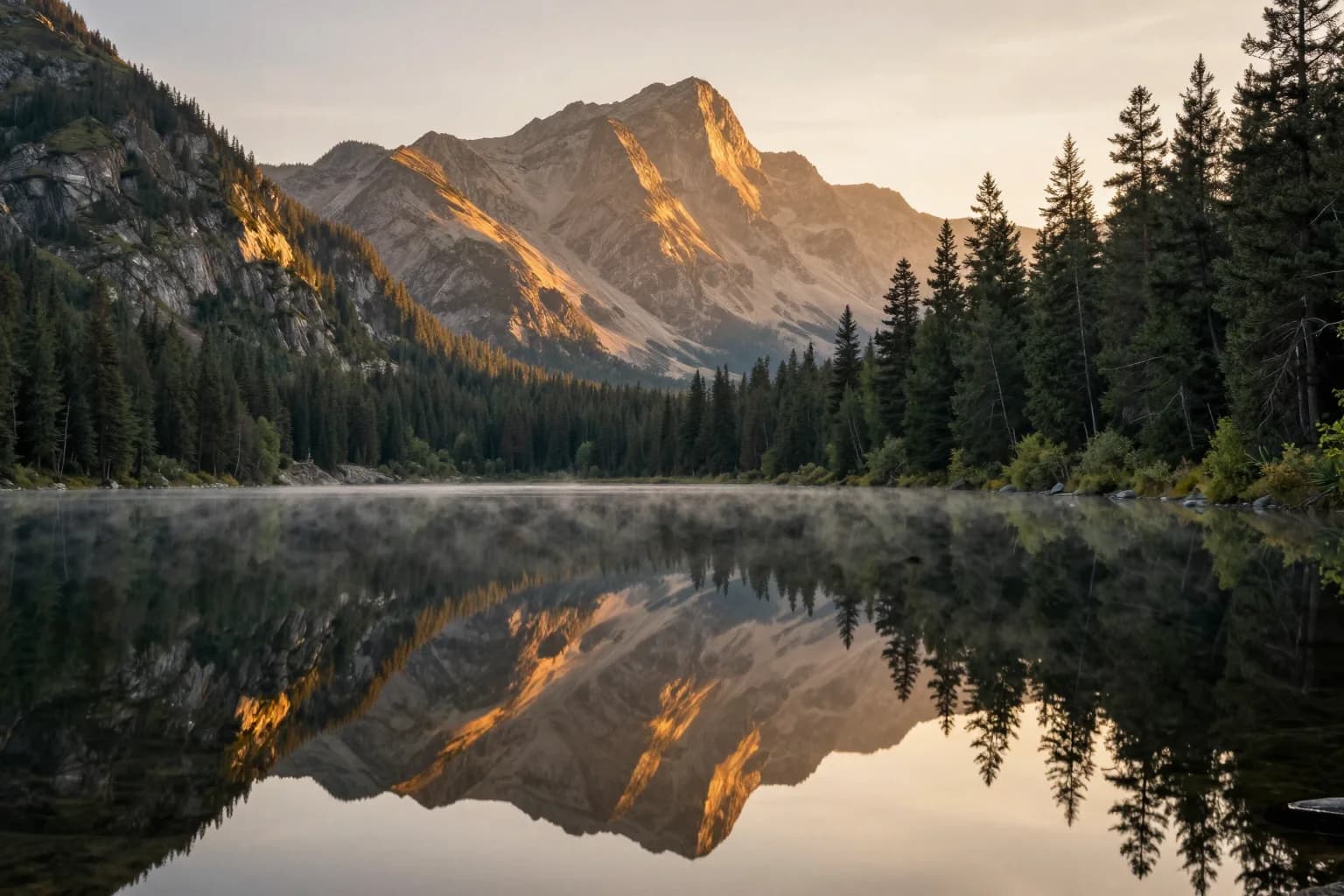
Original image (faded)Image one
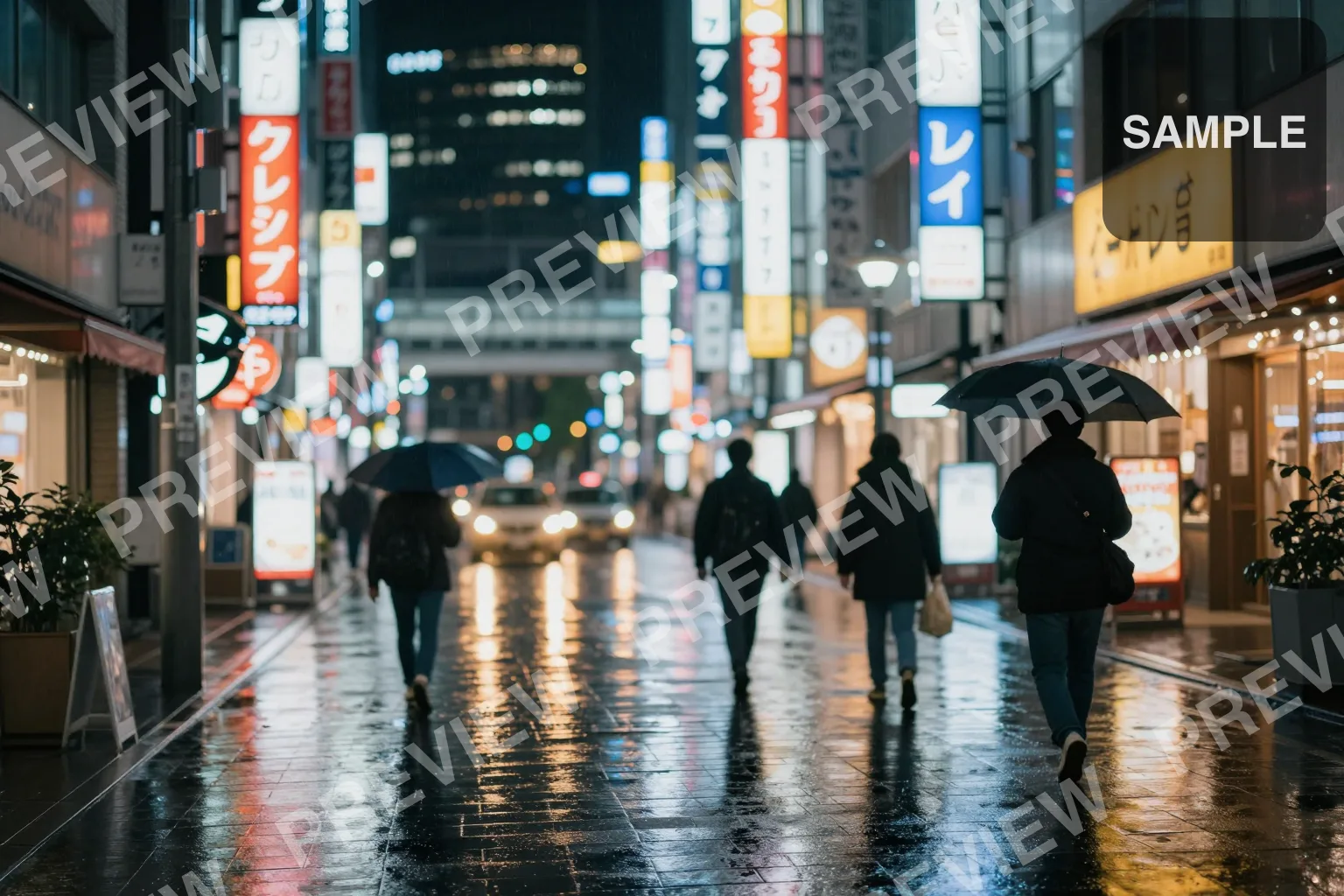
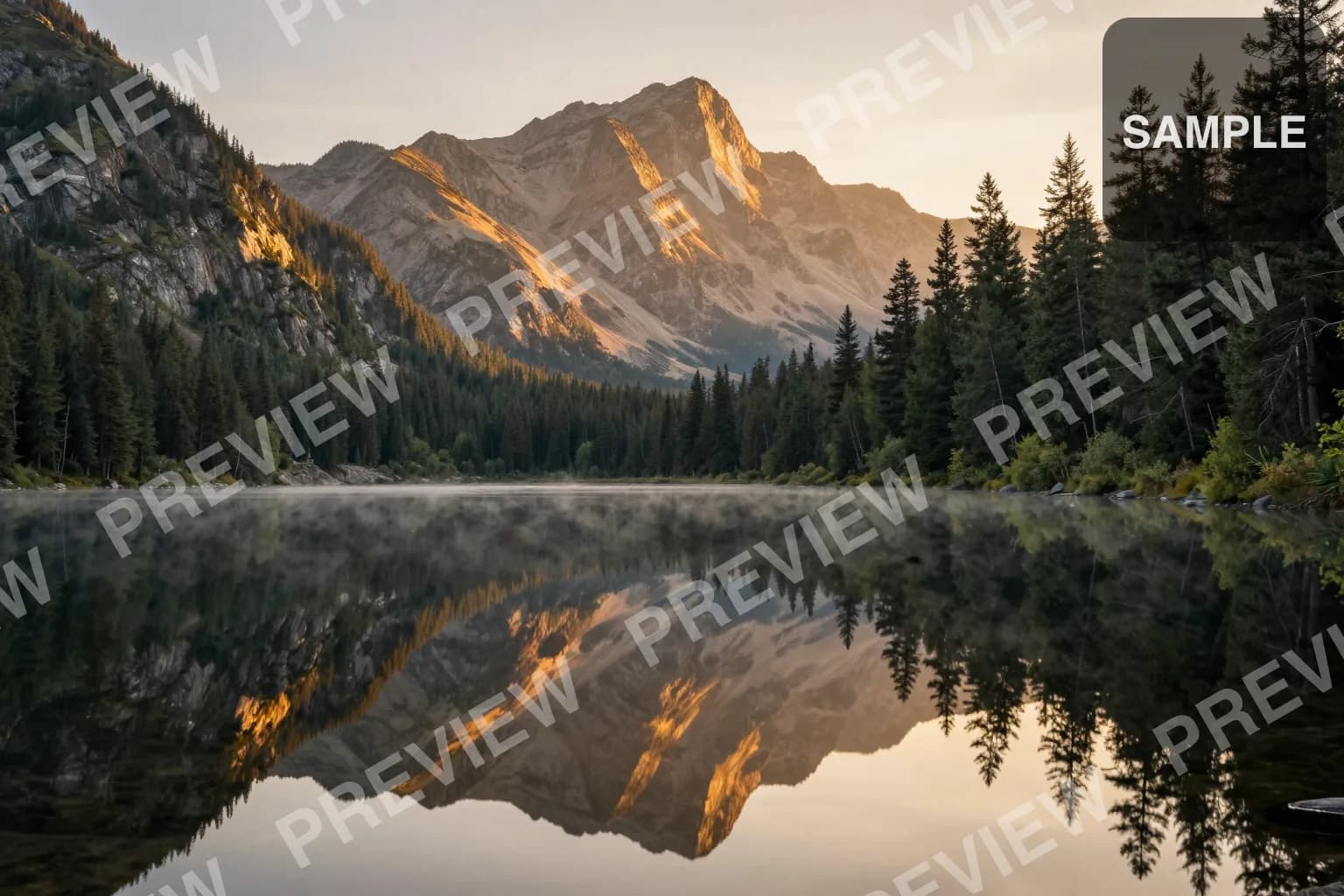
Original with background (faded)Image two
Original image (faded)Image one
Original with background (faded)Image two
Original image (faded)Image one
Original with background (faded)Image two

Key Features of Our AI Watermark Remover

  • Fully Automatic: No lasso tool, no brush, no mask upload. Drop your image in — the AI finds the watermark and removes it.
  • Background Reconstruction: The model doesn't just paint over the watermark — it inpaints the underlying texture, gradient, or scenery that was hidden.
  • Handles Logos & Stamps Too: Same model peels off semi-transparent logos, date stamps, scanner artifacts, and overlay text without leaving smudges.
  • Works Alongside Other Tools: Pair with our Text Remover for documents, or Upscaler for a final crispness pass after watermark removal.
How to Remove Watermarks from Images Background

How to Remove Watermarks from Images

01

Upload Your Image

Drag & drop a JPG, PNG, or WEBP up to 24MB. Crop it if the framing needs adjusting — the remover works on any region.

02

Click Remove Watermark

Our AI scans the image, identifies the watermark region, and inpaints the background underneath. No manual masking.

03

Download the Clean Image

Preview the result next to the original. If the inpainting looks good, download as a high-quality PNG.

AI Watermark Remover FAQ

Our watermark remover handles semi-transparent watermarks (the classic diagonal "shutterstock" style), solid logos, date stamps, scanner artifacts, signatures, and overlay text. It works best on watermarks that occupy a small percentage of the image area — under 20% — but can handle larger ones with some loss of fidelity.
The model uses inpainting — a technique where the AI looks at the pixels surrounding the watermark and generates plausible content to fill the gap. For solid-color backgrounds the result is usually perfect; for textured backgrounds (sky, fabric, scenery) it reconstructs the texture convincingly; for complex scenes with people it may leave minor artifacts.
No — that's the whole point. The AI automatically detects the watermark region. This is different from classical tools like Photoshop's Content-Aware Fill or LaMa-based removers that require you to manually brush over the area.
It depends on the image. Removing watermarks from photos you own, photos in the public domain, or stock photos you've properly licensed is fine. Removing watermarks from copyrighted stock photos to avoid paying for them is copyright infringement in most jurisdictions. We assume users have the right to remove watermarks from the images they process.
Watermark removal runs a much heavier inpainting model (Nano Banana) compared to the lightweight segmentation model used for background removal. The 2-credit cost reflects the higher compute required. If you need a free option for cleanup, our Background Remover is fully free.
The AI will try to reconstruct whatever was underneath, but if the watermark obscures a face, text, or fine detail, that information is genuinely lost and cannot be perfectly recovered. For best results, use the highest-resolution source image available.

More AI Photo Tools

Explore our complete AI photo toolkit — every tool works on the same upload, so you can chain multiple edits in a single session.

Clean Up Your Images Now

Remove watermarks, logos, and stamps in seconds