AI Colorizer • Natural Skin Tones

Colorize Black & White
Photos with AI

Bring history to life. Add natural, realistic color to old family photos, vintage portraits, and historical images — in seconds.

Drop your B&W photo here

Upload a black & white image to add natural colors instantly

JPGPNGWEBPUp to 24MB
Fast Results
30-60 seconds
🎨
Natural Colors
Believable tones
👴
Skin-Aware
No zombie grays
🔒
Private
Secure processing
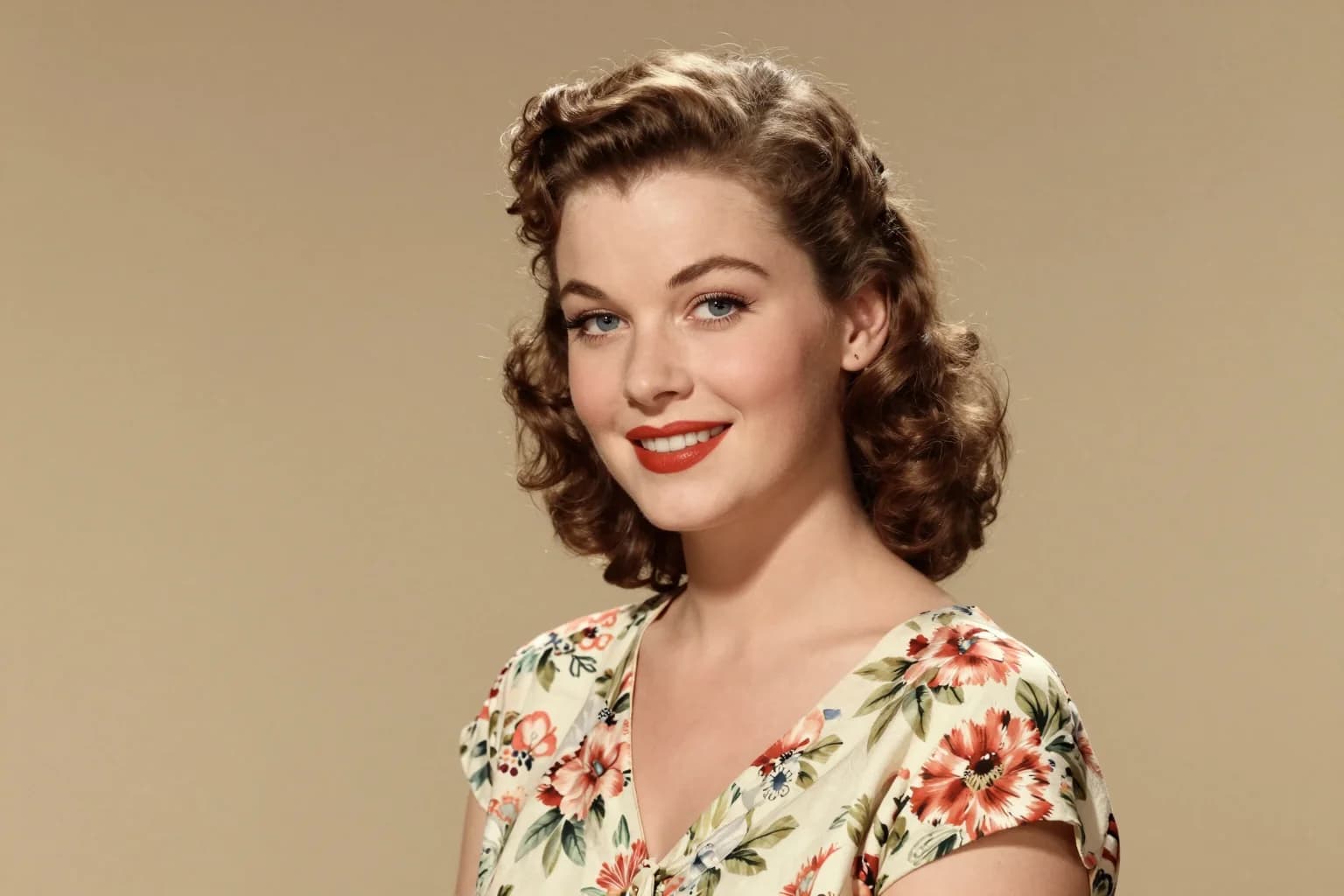
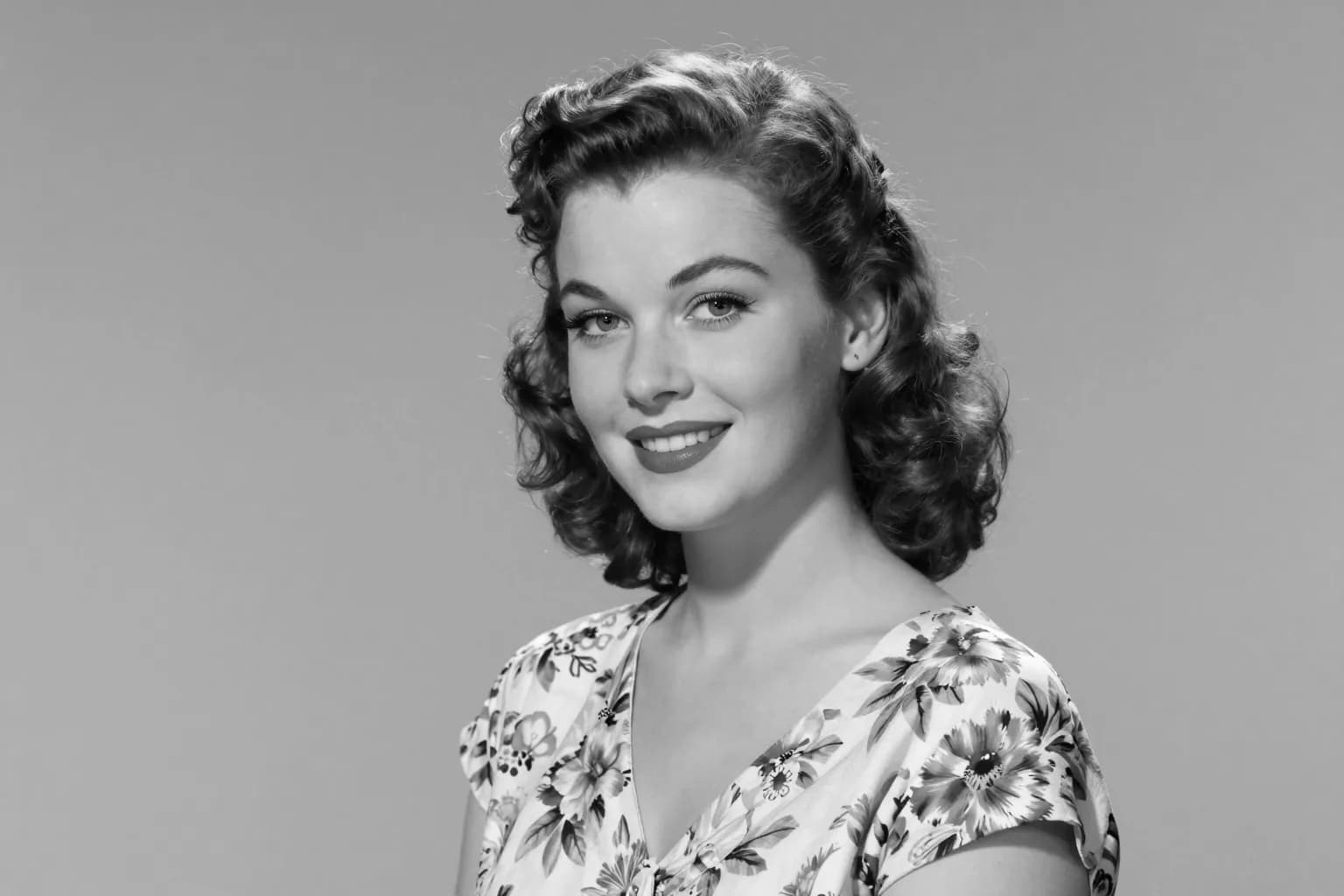
AI Photo Colorizer Examples

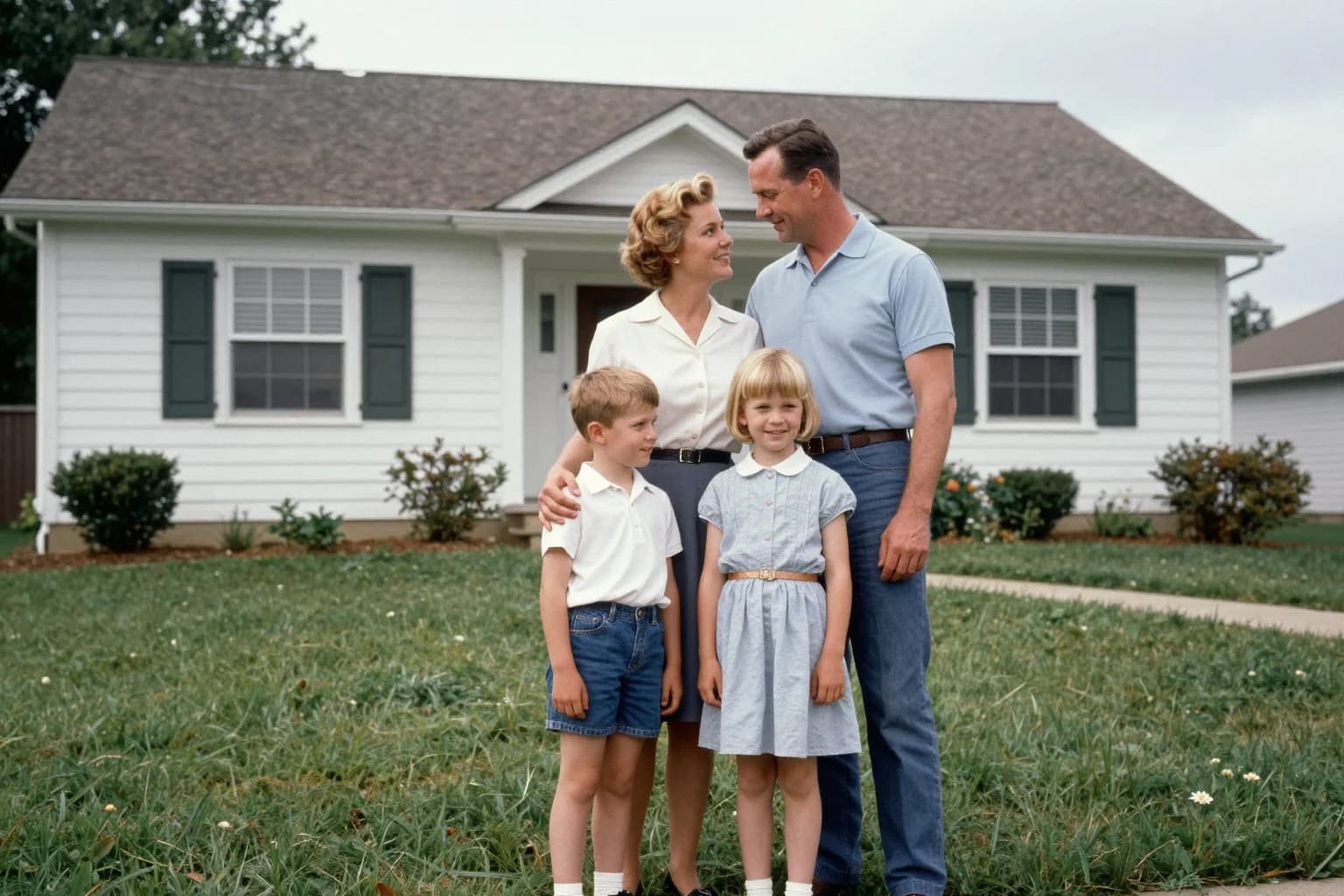
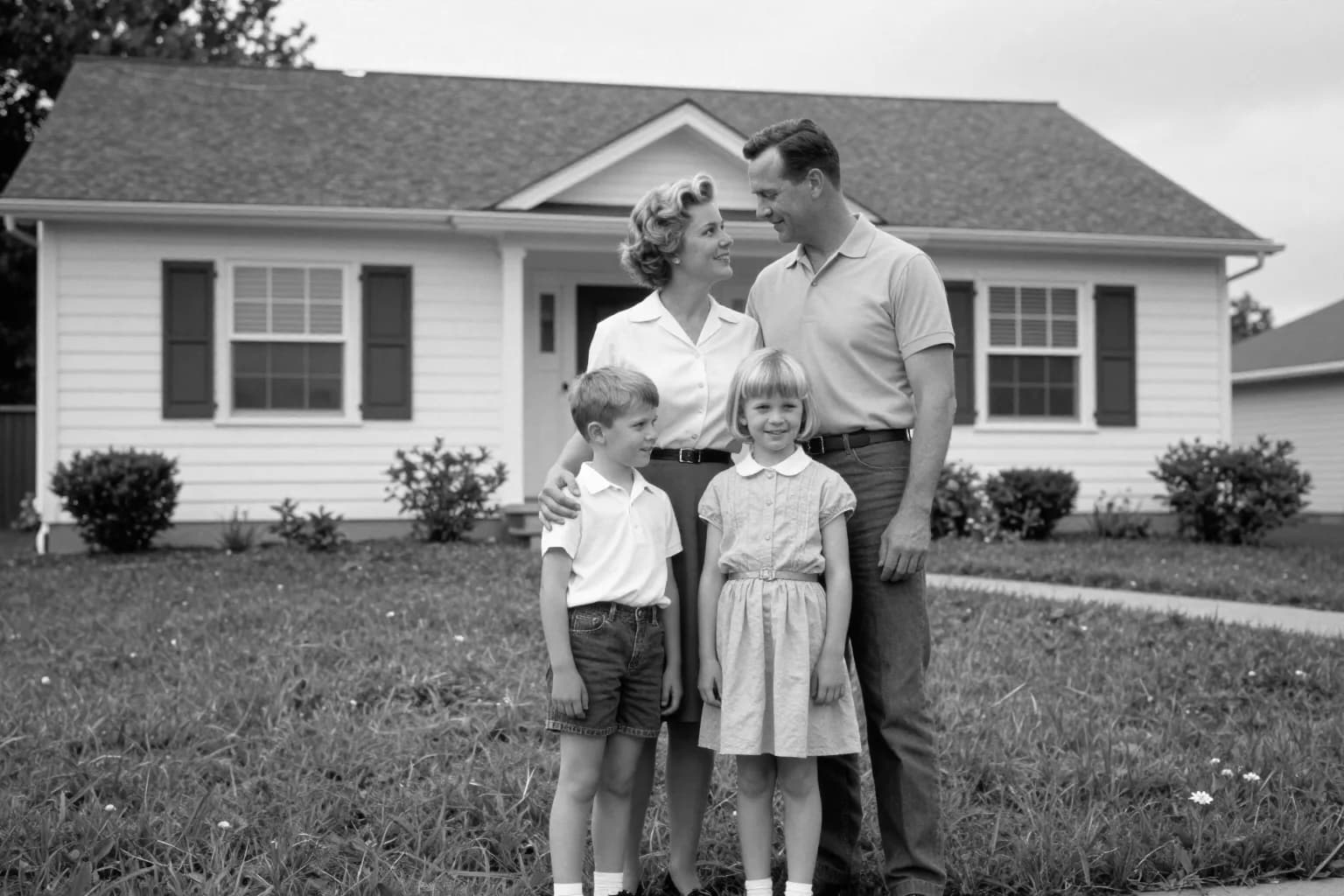
Original image (faded)Image one
Original with background (faded)Image two
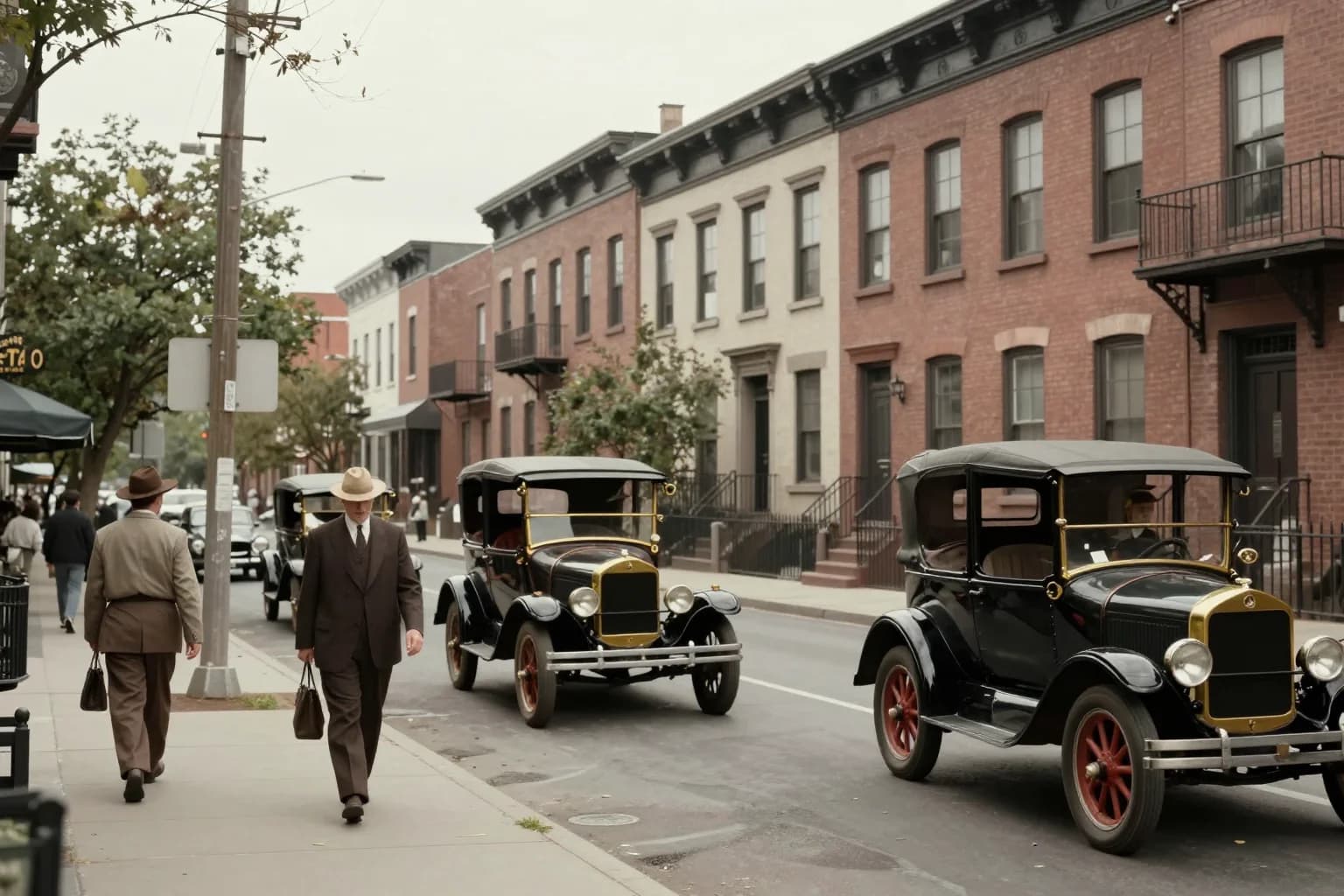
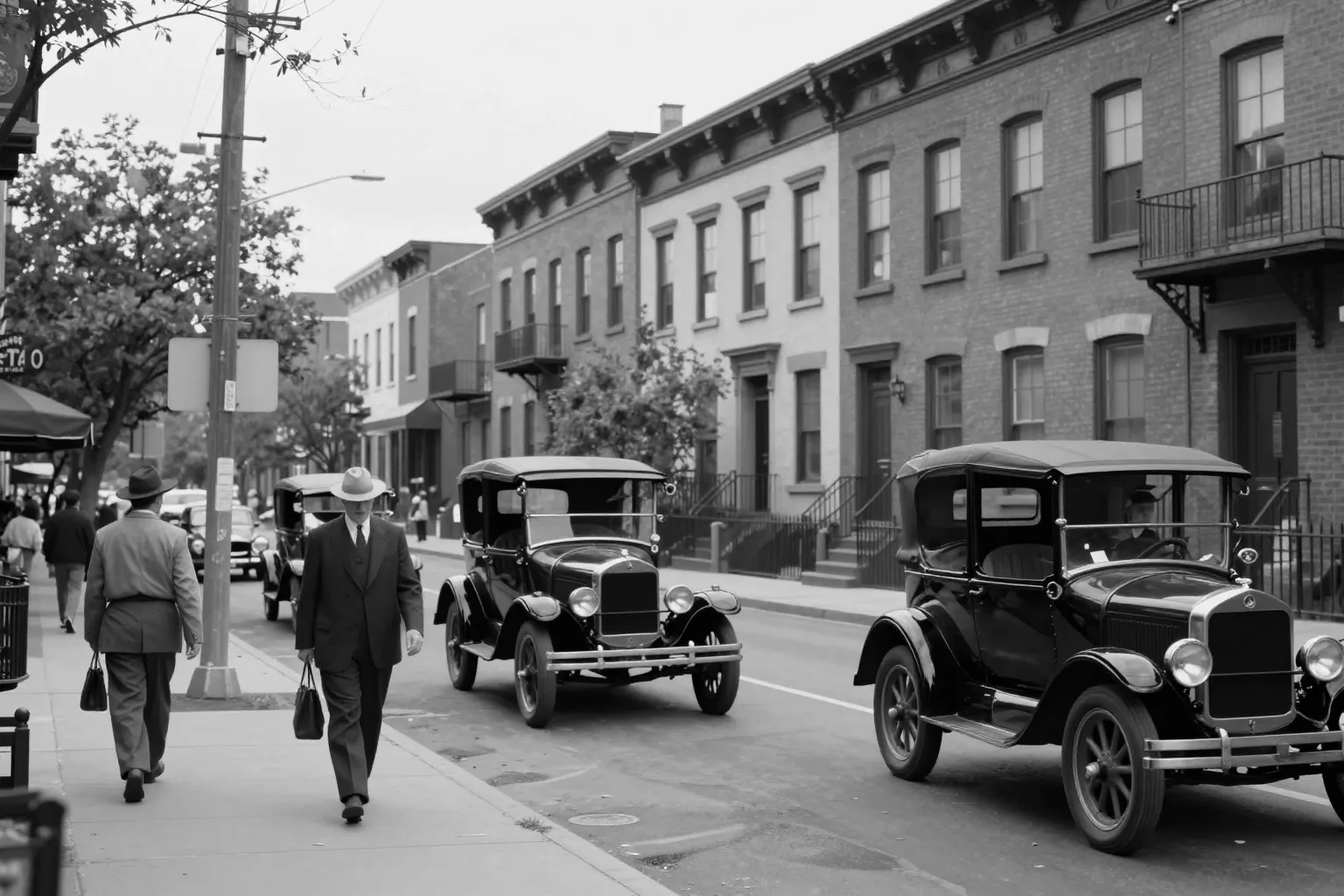
Original image (faded)Image one
Original with background (faded)Image two
Original image (faded)Image one
Original with background (faded)Image two

Key Features of Our AI Photo Colorizer

  • Natural Skin Tones: Our model is tuned to avoid the "zombie gray" faces that plague DeOldify and older colorizers — skin, lips, and eyes come out lifelike.
  • Historically Plausible Colors: The AI references real-world color priors, so 1920s wardrobes look like 1920s wardrobes rather than modern Instagram filters.
  • Preserves Every Detail: Structure, composition, and expressions stay intact — only color is added. The original grayscale is never destroyed.
  • One-Click Workflow: No prompt engineering, no sliders, no manual masking. Upload your B&W photo and download a colorized PNG in under a minute.
How to Colorize a Black & White Photo Background

How to Colorize a Black & White Photo

01

Upload Your B&W Photo

Drag & drop a black & white or sepia image. JPG, PNG, and WEBP up to 24MB are supported. Crop it if the framing needs adjusting.

02

Click Colorize

Our AI reads the scene — people, clothing, sky, foliage — and applies natural, historically-accurate colors automatically. No prompt needed.

03

Download the Colorized Photo

Preview the result next to the original. If you like it, download as a high-quality PNG ready for print, sharing, or framing.

AI Photo Colorizer FAQ

Our colorizer uses a multimodal image-editing model (Nano Banana, based on Google's Gemini image technology) that has been trained on millions of color photographs. Given a black & white input, it infers plausible colors for every region — sky, skin, clothing, foliage — based on visual context, then composites those colors onto the original grayscale structure.
The colors are historically plausible rather than guaranteed accurate. The AI picks colors that fit the era and scene (e.g., khaki for 1940s military uniforms, muted pastels for 1950s dresses) but cannot know the exact hue of, say, your great-grandfather's shirt. Treat results as a beautiful, believable recreation rather than ground truth.
It works, but for best results clean up the photo first. Scratches, tears, and severe fading confuse the model. Run your image through our AI Old Photo Restoration tool first to repair damage, then colorize the restored version for the cleanest output.
Yes — colorization is free for logged-in users, just like our other AI photo tools. Create a free account to start colorizing your black & white photos instantly.
You can, but results may be unpredictable. The model assumes a grayscale input. If your photo has faded sepia or partial hand-coloring, the output may look inconsistent. For best results, convert to pure grayscale before uploading.
No. The model only adds color — the original composition, facial expressions, and fine details are preserved exactly. You can overlay the colorized result on the original grayscale to verify this pixel-for-pixel.

More AI Photo Tools

Explore our complete AI photo toolkit — every tool works on the same upload, so you can chain multiple edits in a single session.

Bring History to Life

Free for logged-in users — colorize any black & white photo in seconds