GPT Image 2 • 4K Upscaling

Upscale & Enhance
Any Image to 4K

Boost resolution up to 4x, sharpen blurry details, and restore faces — all in one click, powered by AI super-resolution.

Drop your image here

or click to browse — JPG, PNG, WEBP up to 24MB

JPGPNGWEBPUp to 24MB
Fast Processing
30-60 seconds
🎯
4K Resolution
Up to 4x upscale
👤
Face Restore
GFPGAN built-in
🔒
Private
Secure processing
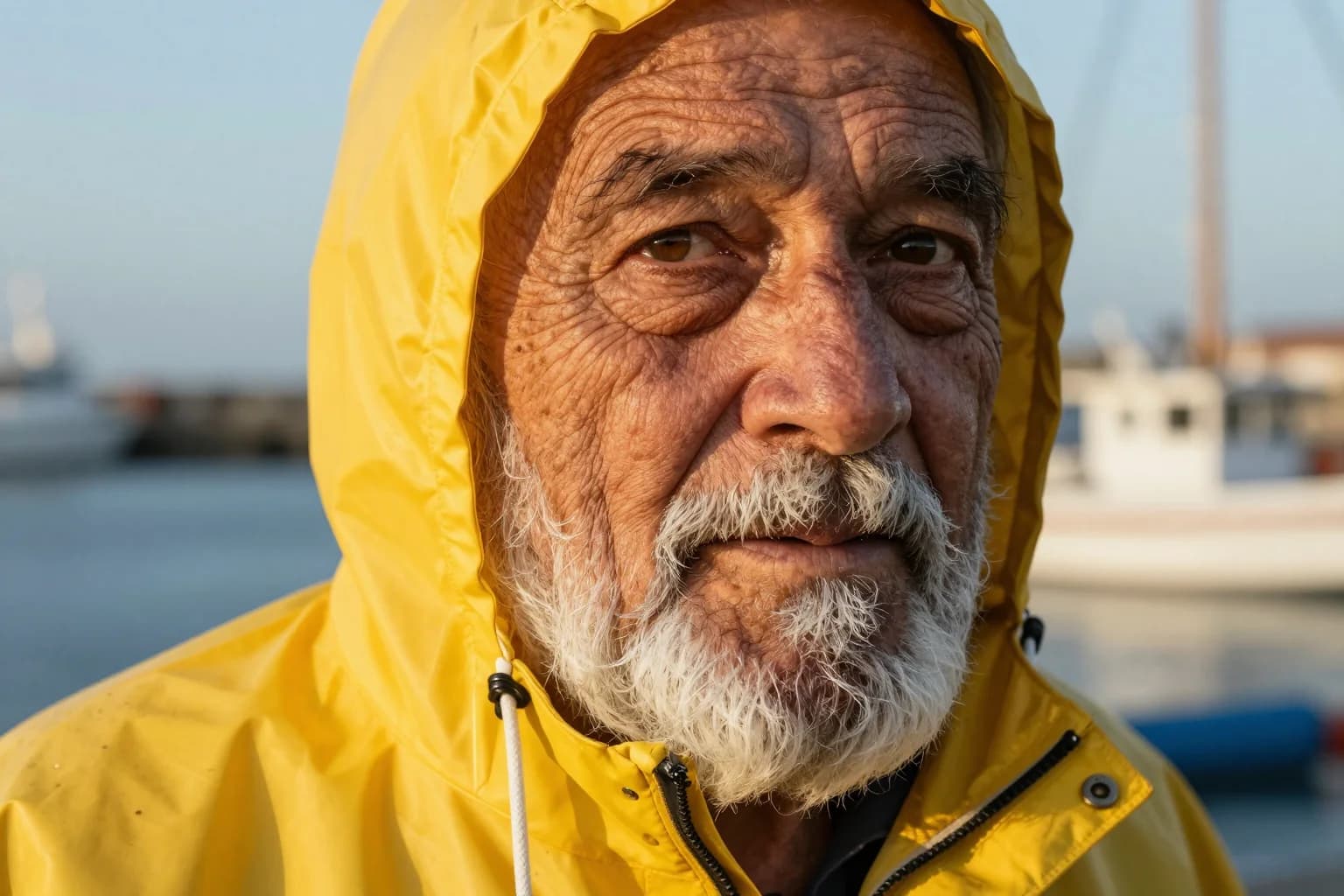
AI Image Enhancer Examples

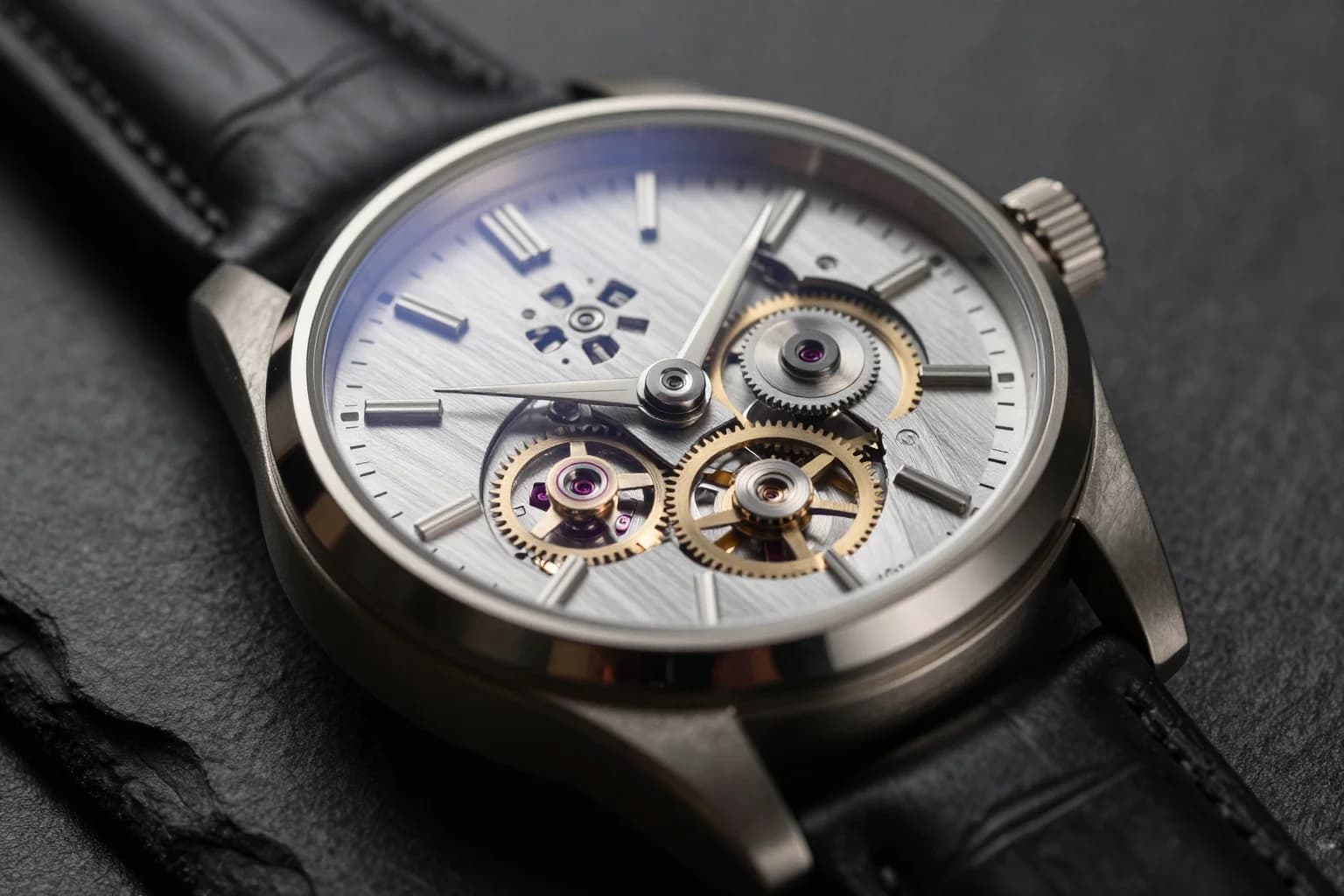
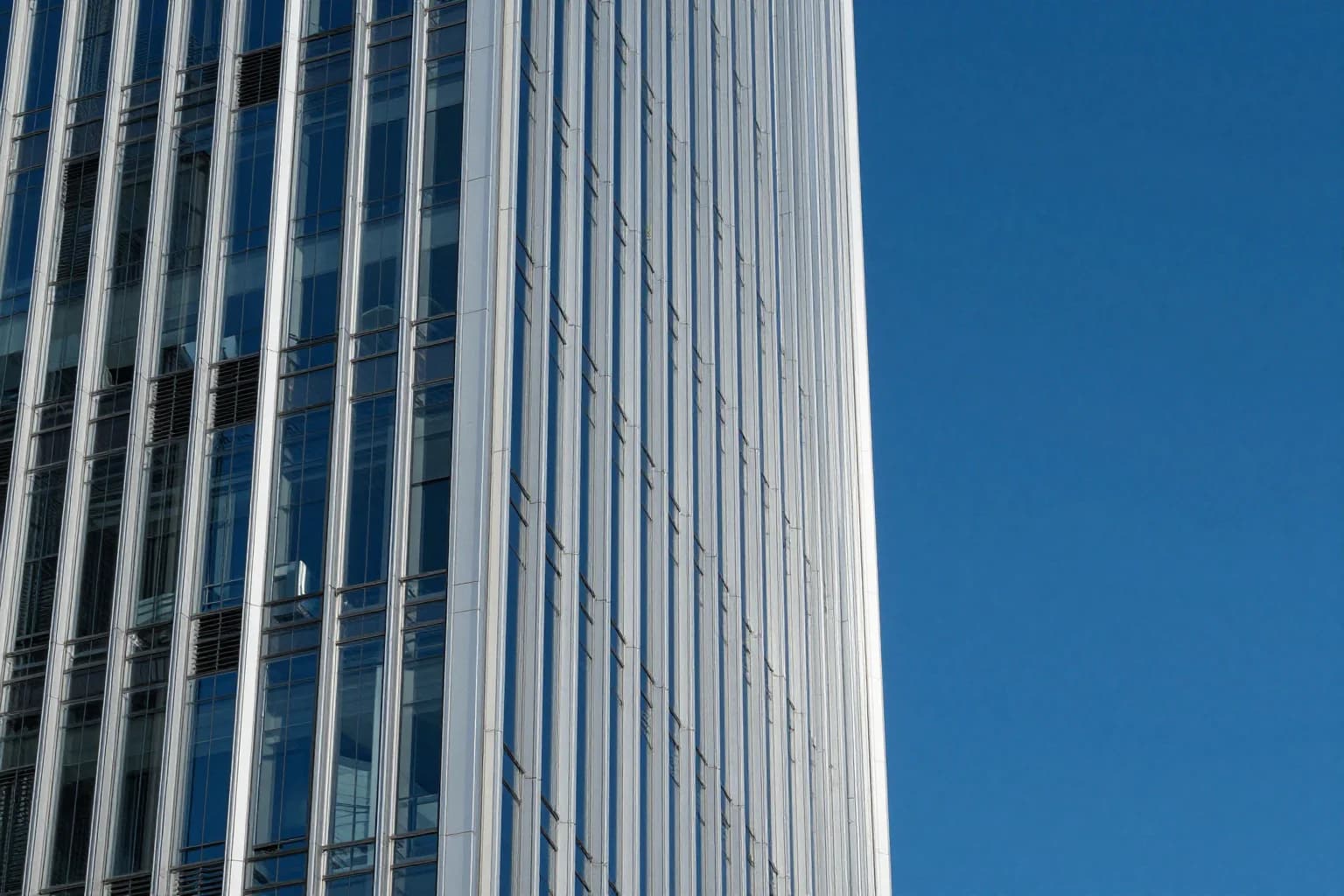
Original image (faded)Image one
Original with background (faded)Image two
Original image (faded)Image one
Original with background (faded)Image two
Original image (faded)Image one
Original with background (faded)Image two

Key Features of Our AI Image Enhancer

  • True 4x Super-Resolution: Powered by Real-ESRGAN — the industry standard upscaler with 94M+ runs. Generates new detail rather than just stretching pixels.
  • Smart Face Restoration: Optional GFPGAN side-car restores facial detail in portraits, selfies, and old photos — no extra step required.
  • Built-in Sharpening: Super-resolution inherently adds local contrast, so your upscaled images come out sharper without a separate deblur pass.
  • No Software Install: Runs entirely in your browser. Upload, enhance, and download a high-resolution PNG in under a minute.
How to Use the AI Image Enhancer Background

How to Use the AI Image Enhancer

01

Upload Your Image

Drag & drop or click to upload a JPG, PNG, or WEBP up to 24MB. Crop it if needed — the enhancer works on any aspect ratio.

02

Pick an Enhancement Mode

Choose between 2x upscale, 4x upscale, or Sharpen & Enhance (which adds GFPGAN face restoration on top).

03

Download in 4K

Click Enhance and wait ~30-60 seconds. Download the result as a high-quality PNG, ready for print or web.

AI Image Enhancer FAQ

An AI Image Enhancer uses deep-learning super-resolution models to increase image resolution while reconstructing detail that traditional resizing cannot. Our enhancer is built on Real-ESRGAN, the most widely-used open-source upscaler, and adds optional GFPGAN face restoration for portraits.
You can choose between 2x (double the dimensions) and 4x (quadruple the dimensions, up to 4K). The output is always returned as a high-quality PNG. For very small source images (under 256px), 4x is recommended to get usable detail.
The Sharpen & Enhance preset runs the same Real-ESRGAN upscaler at 2x but enables the GFPGAN face-correction side-car. This is ideal for portraits, selfies, and old photos where faces look soft — it restores eye, nose, and mouth detail while keeping skin tones natural.
Yes — our image enhancer is free for logged-in users, just like our other AI photo tools. Create a free account to start upscaling your images instantly.
We accept JPG, JPEG, PNG, and WEBP uploads up to 24MB. The enhanced result is always exported as a PNG to preserve detail and transparency.
Real-ESRGAN does a great job reconstructing detail from moderately blurry or low-resolution sources. For severely out-of-focus images, results will be better than naive resizing but not perfect — pair it with our photo restoration tool for the best outcome on damaged photos.

More AI Photo Tools

Explore our complete AI photo toolkit — every tool works on the same upload, so you can chain multiple edits in a single session.

Upscale Your Images Now

Free for logged-in users — no software install required