AI-Powered • Instant Results

Add Black Background
to Any Photo

Get the dramatic studio look in one click — pure black backdrops for portraits, products, and social content.

Drop your image here

or click to browse from your device

JPGPNGWEBPUp to 24MB
Instant Results
Process in seconds
🎯
Pixel Perfect
AI precision
🆓
Free to Use
No watermarks
🔒
Private
Secure processing
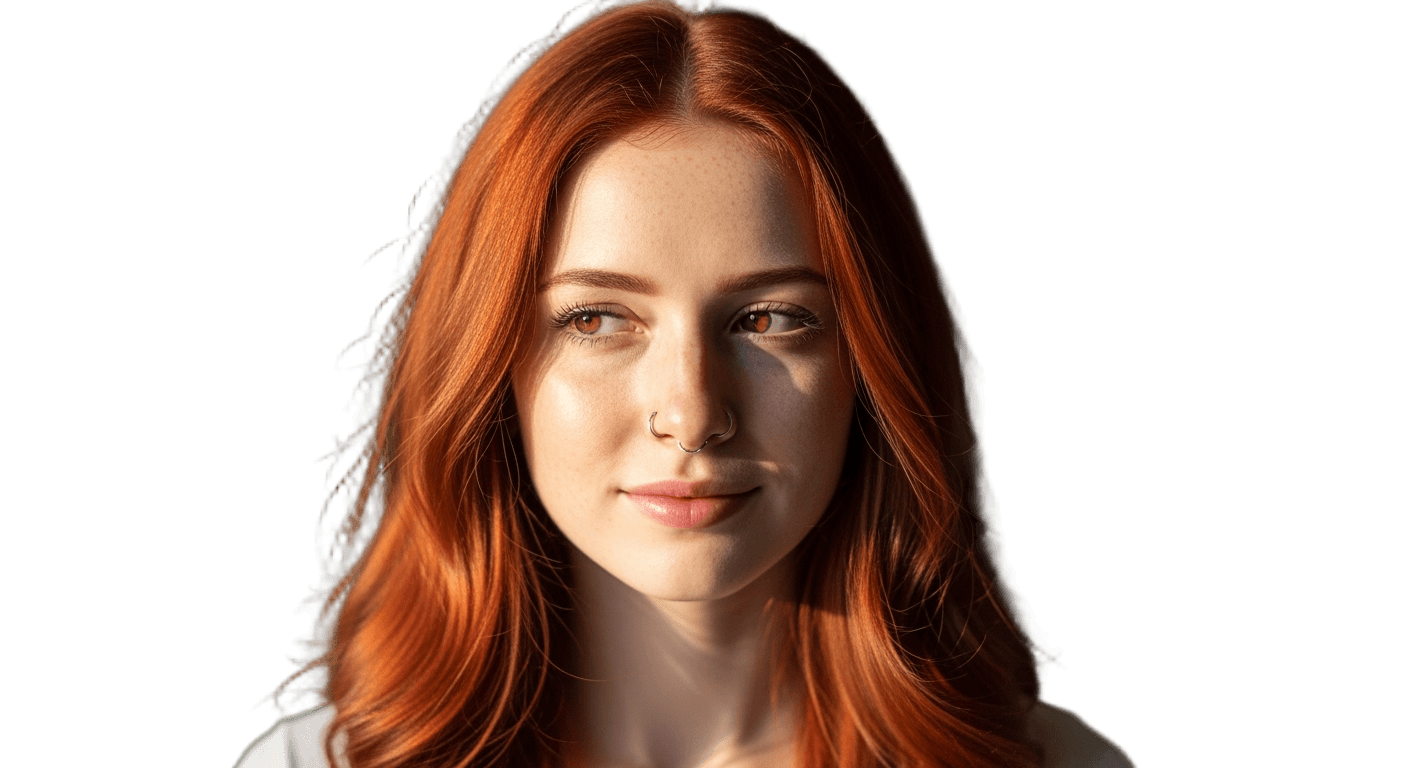
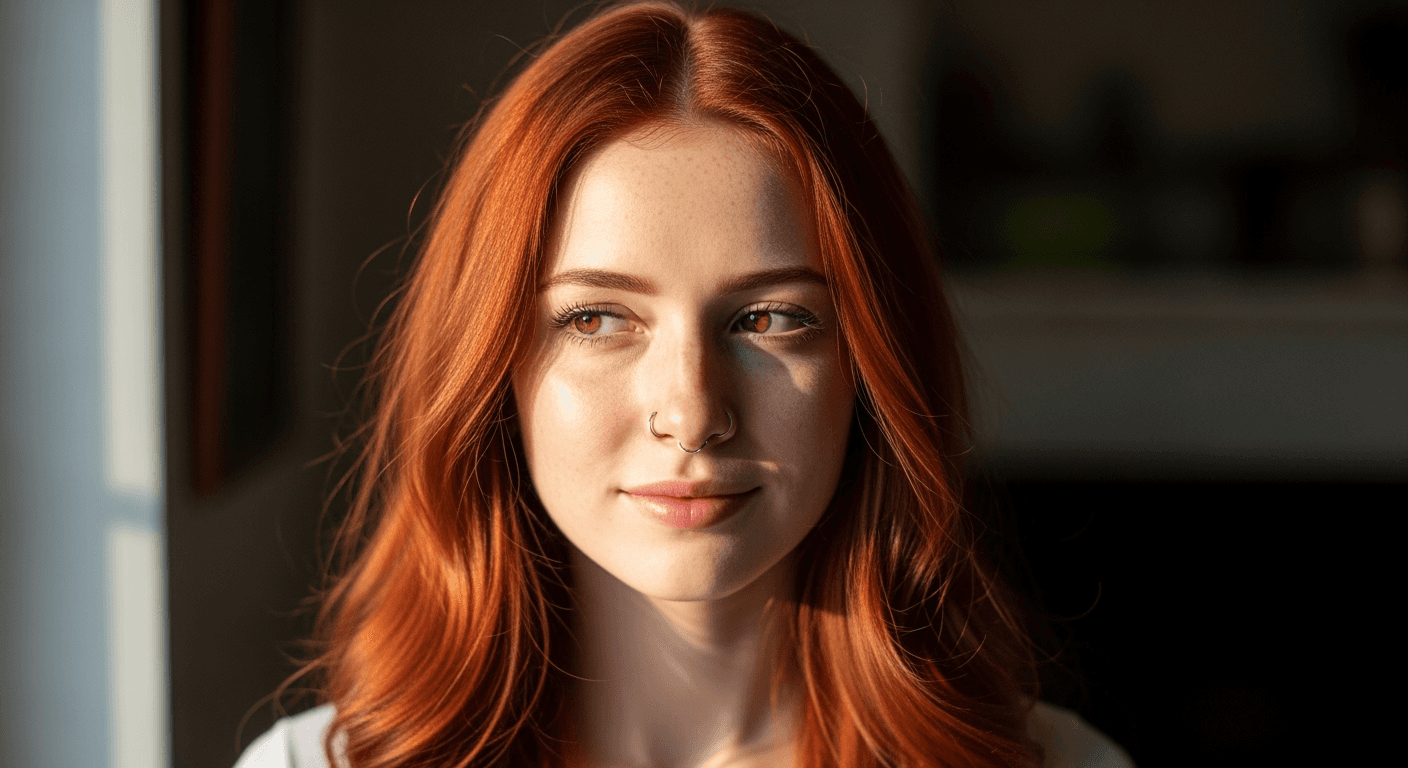
Black Background Examples

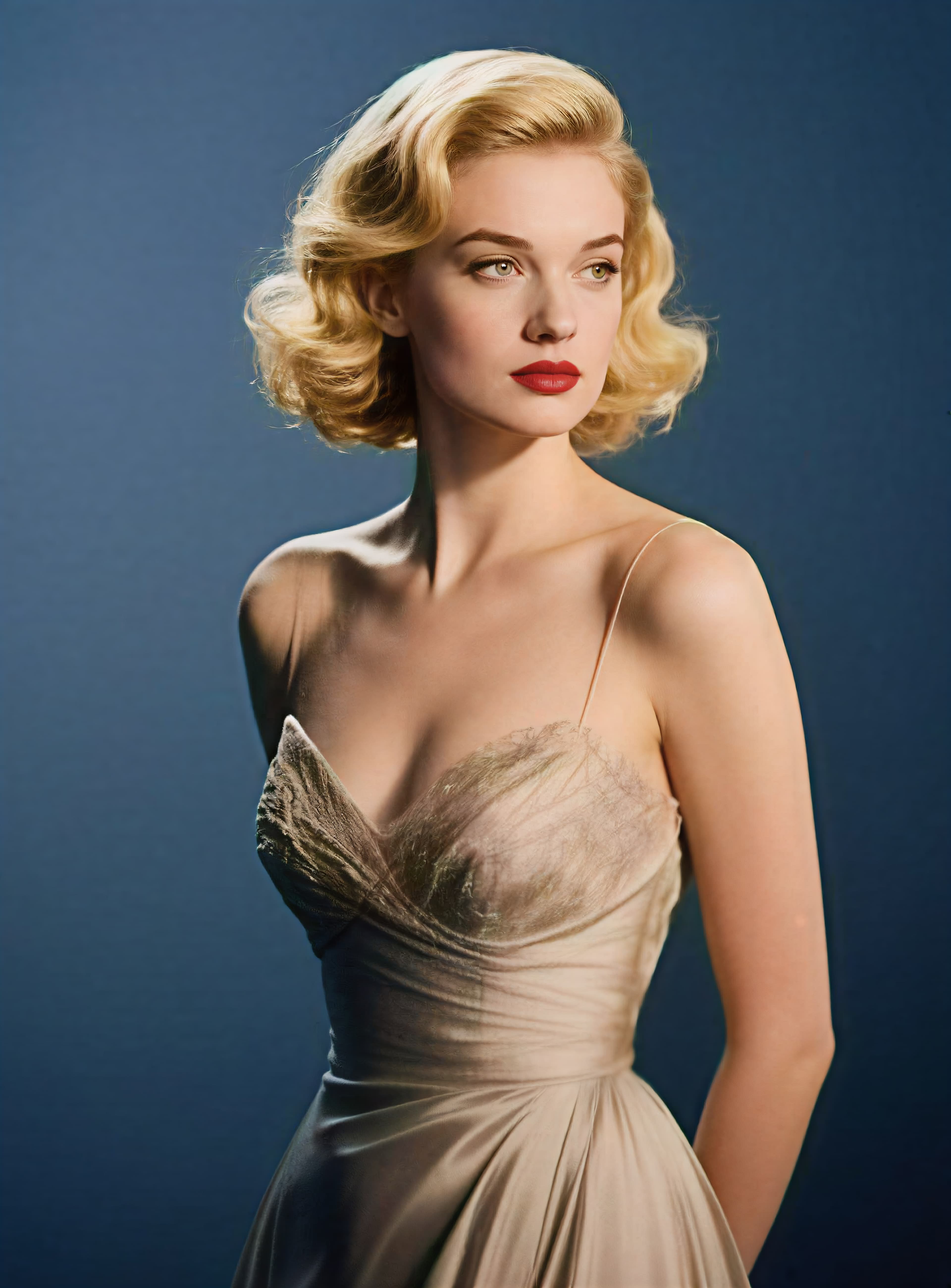
Original image (faded)Image one
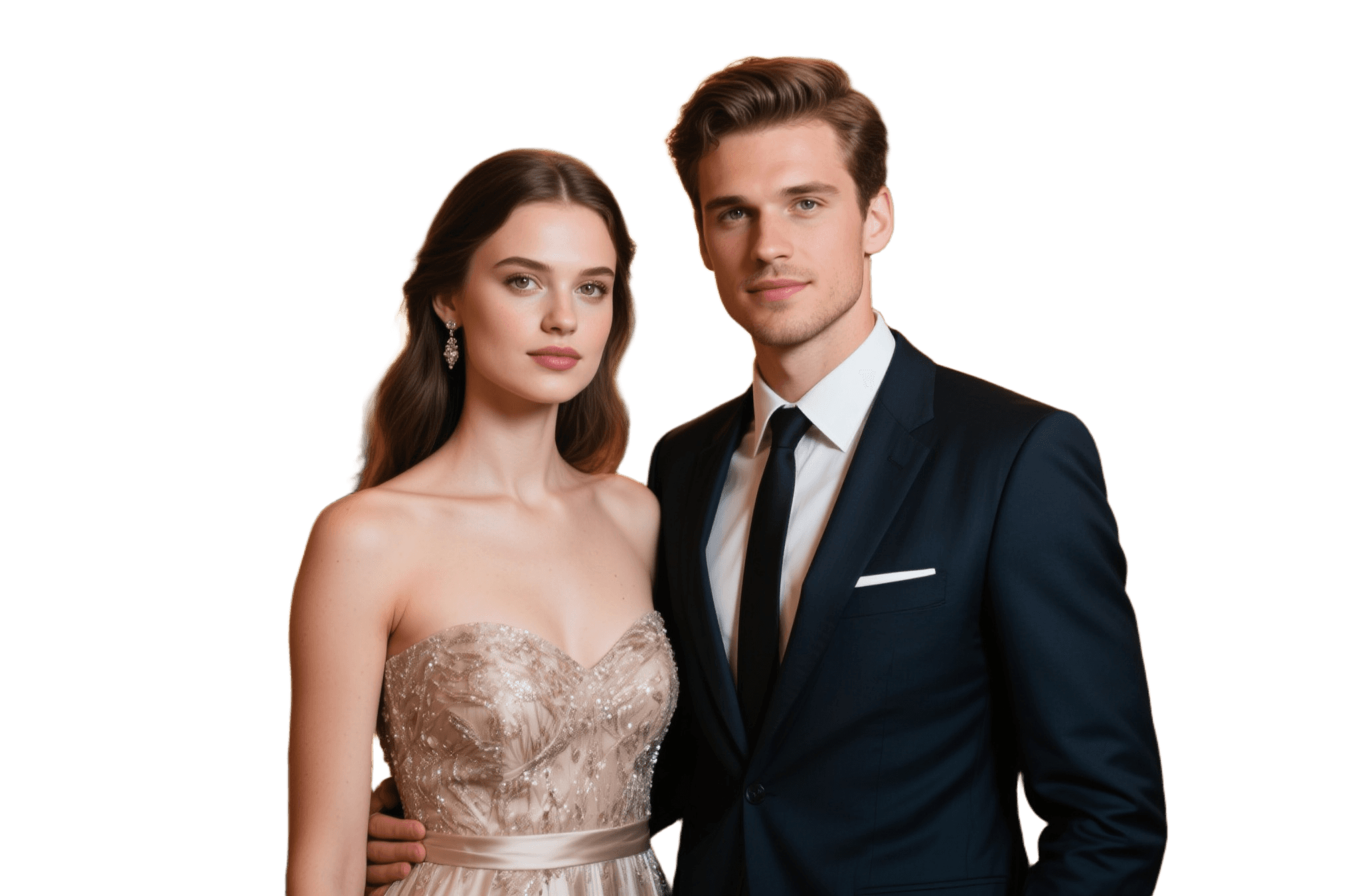
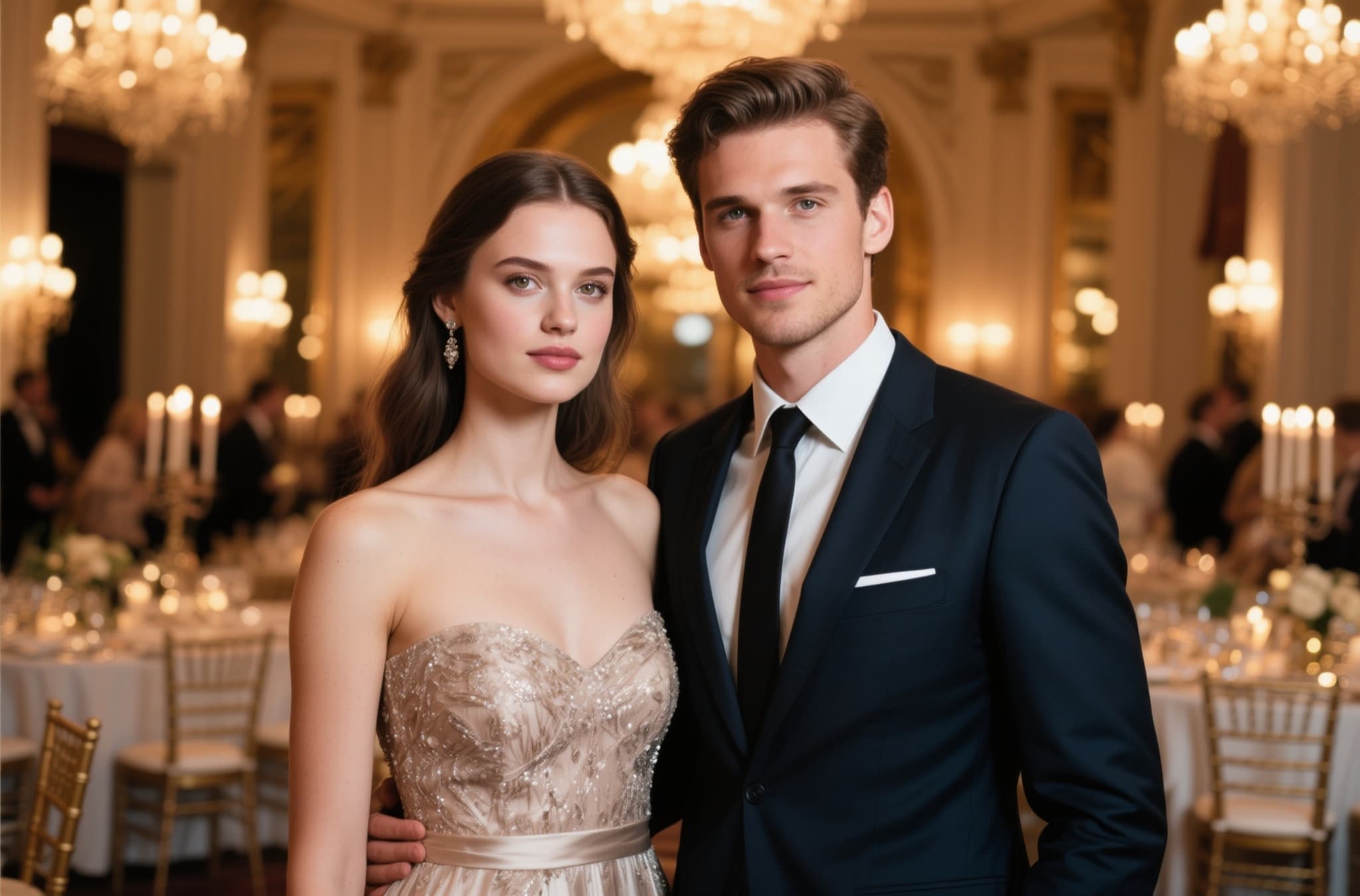
Original with background (faded)Image two
Original image (faded)Image one
Original with background (faded)Image two
Original image (faded)Image one
Original with background (faded)Image two

Why Use Our Black Background Maker

#000000
  • Studio-Grade Drama: Solid #000000 black adds instant contrast and a premium feel — the classic studio backdrop look without the studio.
  • Precision Cutouts: The AI preserves fine edges like hair strands and product reflections, so subjects sit naturally on black.
  • Original Resolution Kept: No downscaling, no watermarks, no quality loss — your download matches your upload pixel for pixel.
  • Dark-Mode Friendly: Black-background images blend beautifully into dark websites, apps, and social feeds.
How to Add a Black Background to a Photo Background

How to Add a Black Background to a Photo

01

Upload Your Photo

Drag & drop or browse to upload a JPG, PNG, or WEBP file up to 24MB — portraits, products, pets, all work.

02

AI Isolates Your Subject

Our AI separates the subject from its original background with precision, including fine details like hair and fur.

03

Download Black-BG Result

Get your studio-style black-background PNG instantly — dramatic, premium, and ready to use anywhere.

Perfect For Black Background Projects

Portrait Photography

Turn casual portraits into moody, professional headshots with a black backdrop.

  • Premium studio-style headshots
  • Rich skin tones and color pop
  • Great for dark-mode profiles

Luxury & Jewelry Products

Black is the classic luxury backdrop — make watches, jewelry, and premium goods shine.

  • High-end e-commerce listings
  • Boutique catalogs & ads
  • Makes metallics sparkle

Social Media Graphics

Quote cards, promo posts, and thumbnails look bolder on a clean black canvas.

  • Eye-catching quote graphics
  • Sleek YouTube thumbnails
  • Consistent feed aesthetic

Music & Creative Promotion

Album art, event flyers, and artist press shots all benefit from black's stage-lighting vibe.

  • Mixtape & album covers
  • Event and gig flyers
  • Press kit photos

The Studio Look, Without the Studio

Professional photographers spend thousands on black backdrops, rim lighting, and retouching to get that high-contrast look. Our black background maker gets you 90% of the way there in one click: the same AI behind our AI background remover cleanly lifts your subject, then places it on solid #000000 black. Because the cutout happens first, even flyaway hair and reflective edges look natural against the dark backdrop.

Looking for a different finish? Try white backgrounds for marketplace listings, or go fully see-through with the transparent background maker.

Black Background Maker FAQ

Upload your image and our AI instantly cuts out the subject, removes the original background, and composites it onto a solid black background. The finished image downloads as a flattened black-background PNG in seconds.
Black backgrounds create drama and contrast — colors pop, skin tones look richer, and products appear premium. That's why studio photographers use black backdrops for portraits, jewelry, watches, and luxury goods.
Yes. Downloads are composited onto true RGB (0, 0, 0) black for a clean, uniform backdrop with no gradients, noise, or shadows unless they were part of your original subject.
Yes, it's completely free for logged-in users. Create a free account and turn any photo into a studio-style black-background shot instantly.
You can upload JPG, JPEG, PNG, and WEBP files up to 24MB. Results are always exported as high-quality PNG files with the black background baked in.
Absolutely. The subject keeps its full original resolution — the black background is rendered at the exact same dimensions with no compression or resizing.
Yes — black-background portraits look polished and professional on LinkedIn, dating profiles, and team pages. They also blend seamlessly into dark-mode websites and apps.
Yes. Process as many images as you need for e-commerce, advertising, social media, client work, or any commercial project.
Yes. The tool runs in any modern mobile or desktop browser — no app download required.
Besides black, you can add white, pink, or red backgrounds — or remove the background entirely with our transparent background maker for maximum design flexibility.

More AI Photo Tools

Explore our complete AI photo toolkit — every tool works on the same upload, so you can chain multiple edits in a single session.

Create Studio-Style Black Backgrounds

Dramatic pure-black backdrops in seconds — free for logged-in users