OpenAI's most advanced AI image generator. Create photorealistic images with accurate text rendering using GPT Image 2. Free text-to-image and image editing online.
See what GPT Image 2 can create. All images below were generated entirely by GPT Image 2 with simple text prompts.
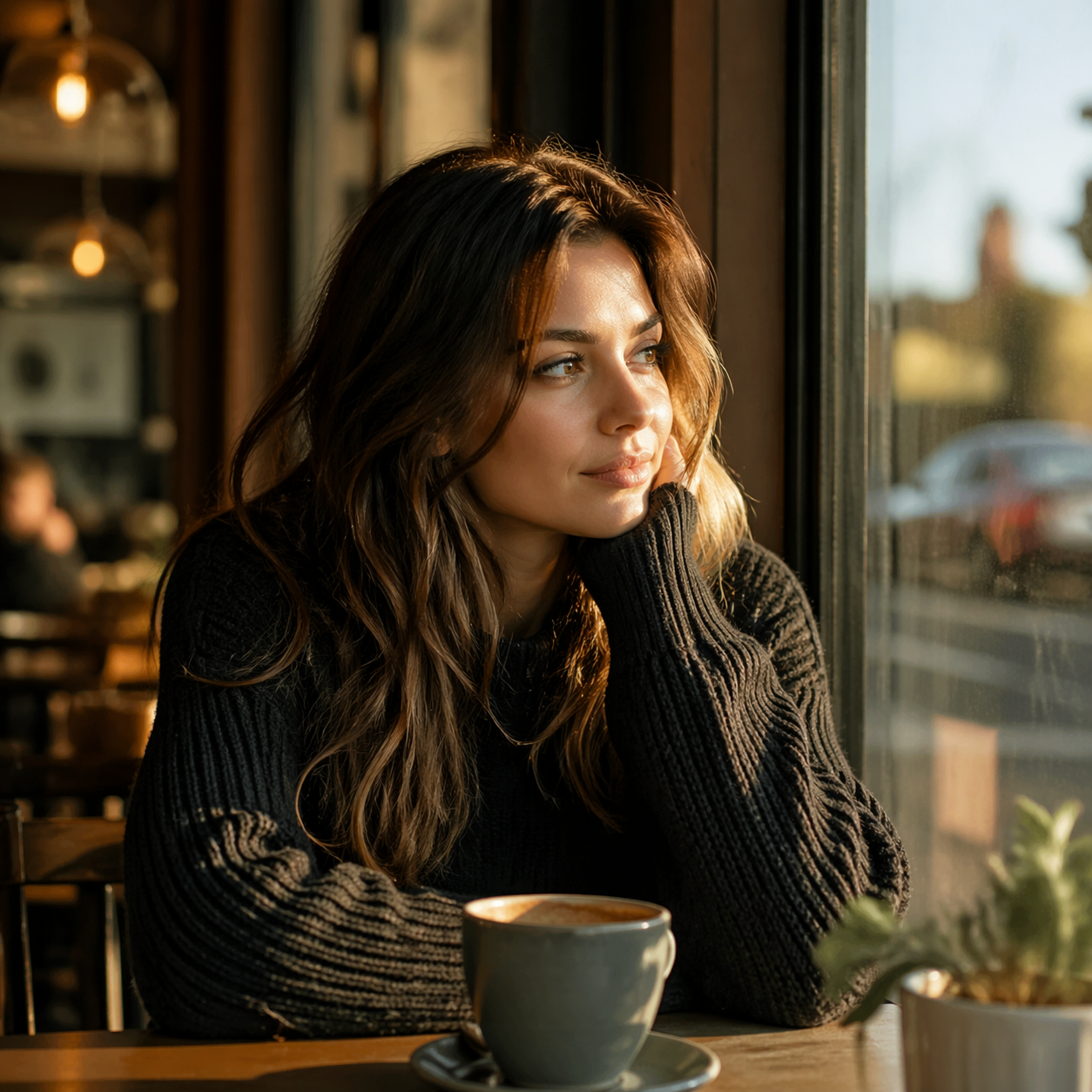
Portrait Photography
Warm coffee shop, golden hour
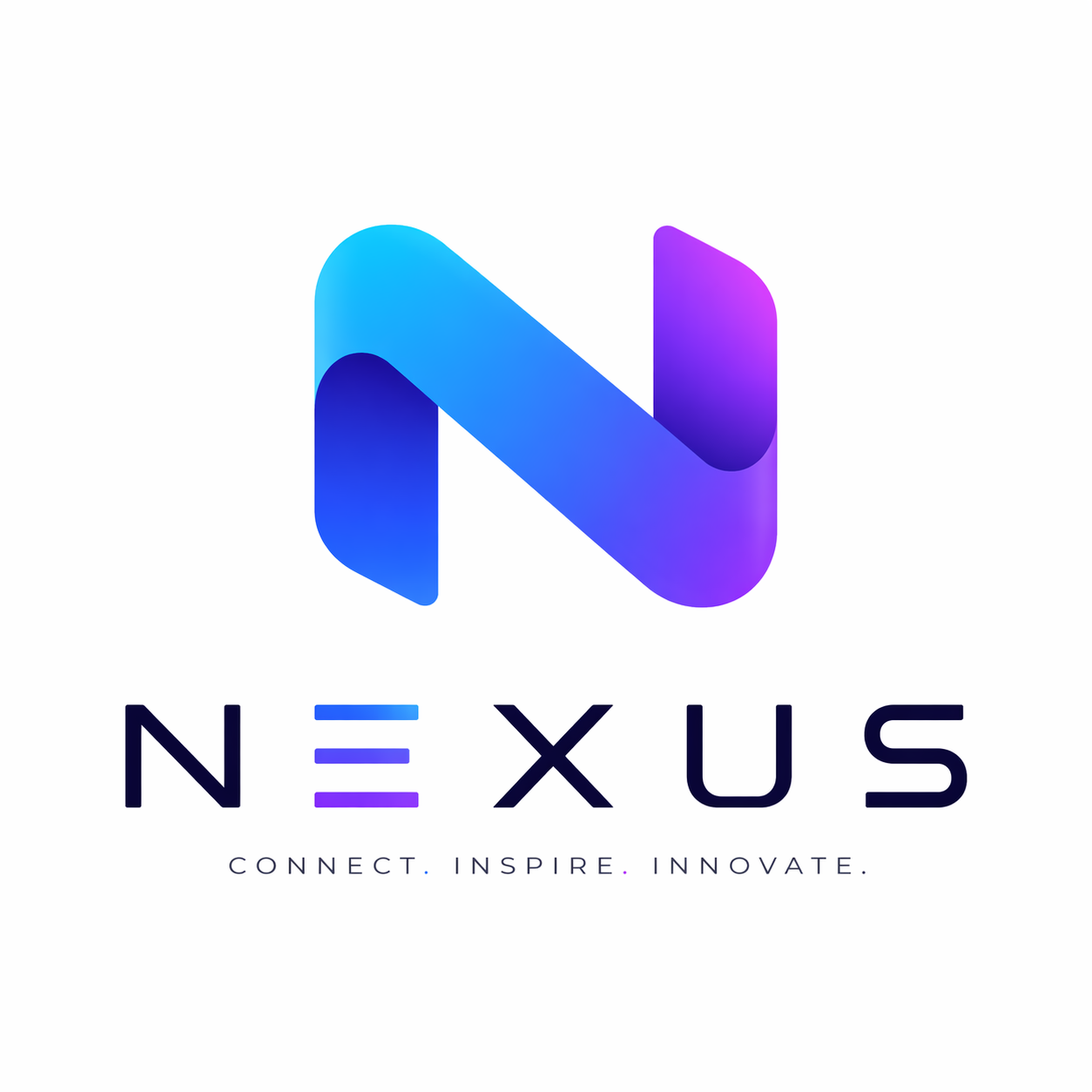
Logo Design
Tech startup branding with text
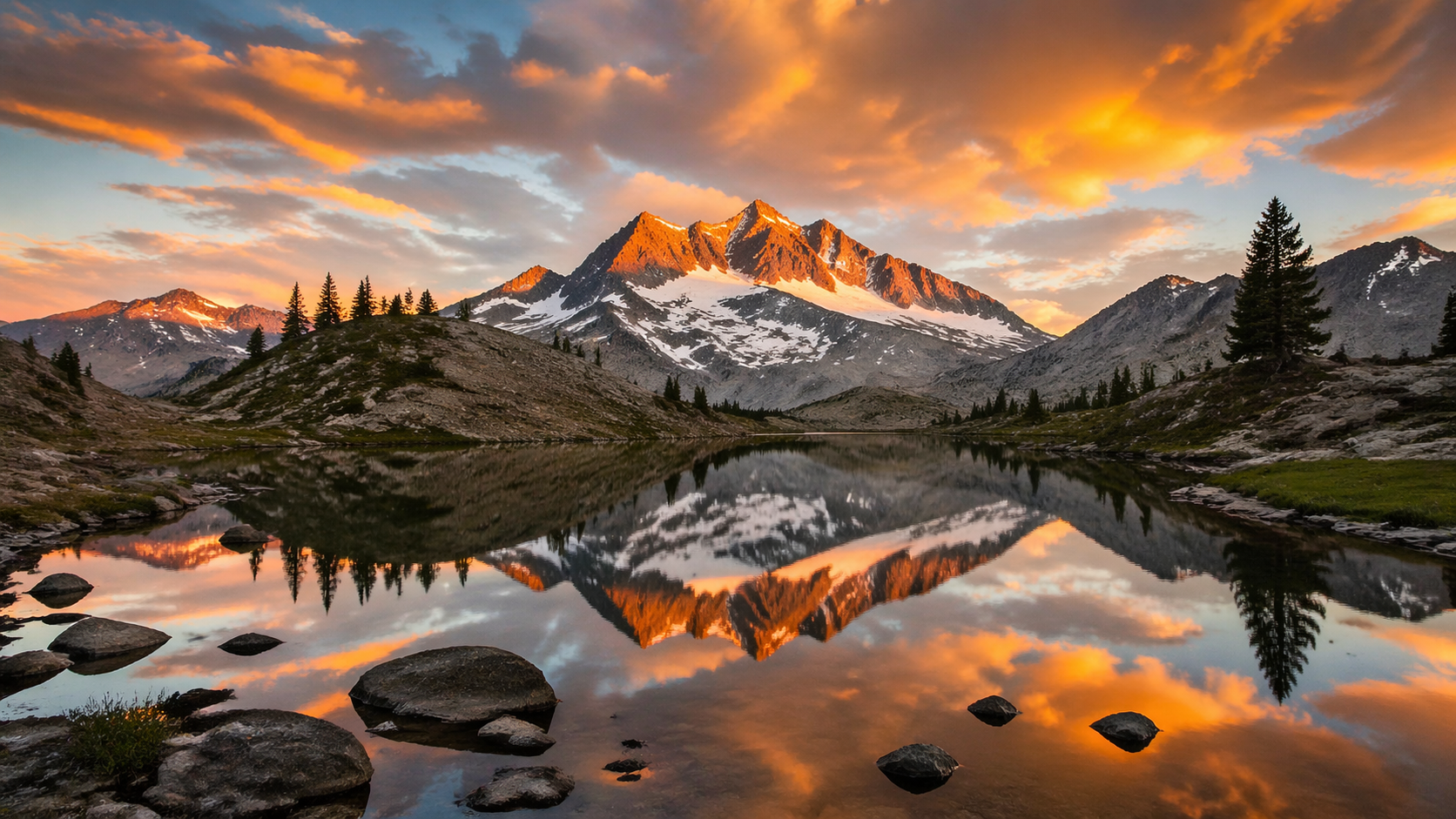
Landscape Photography
Alpine lake at golden sunset
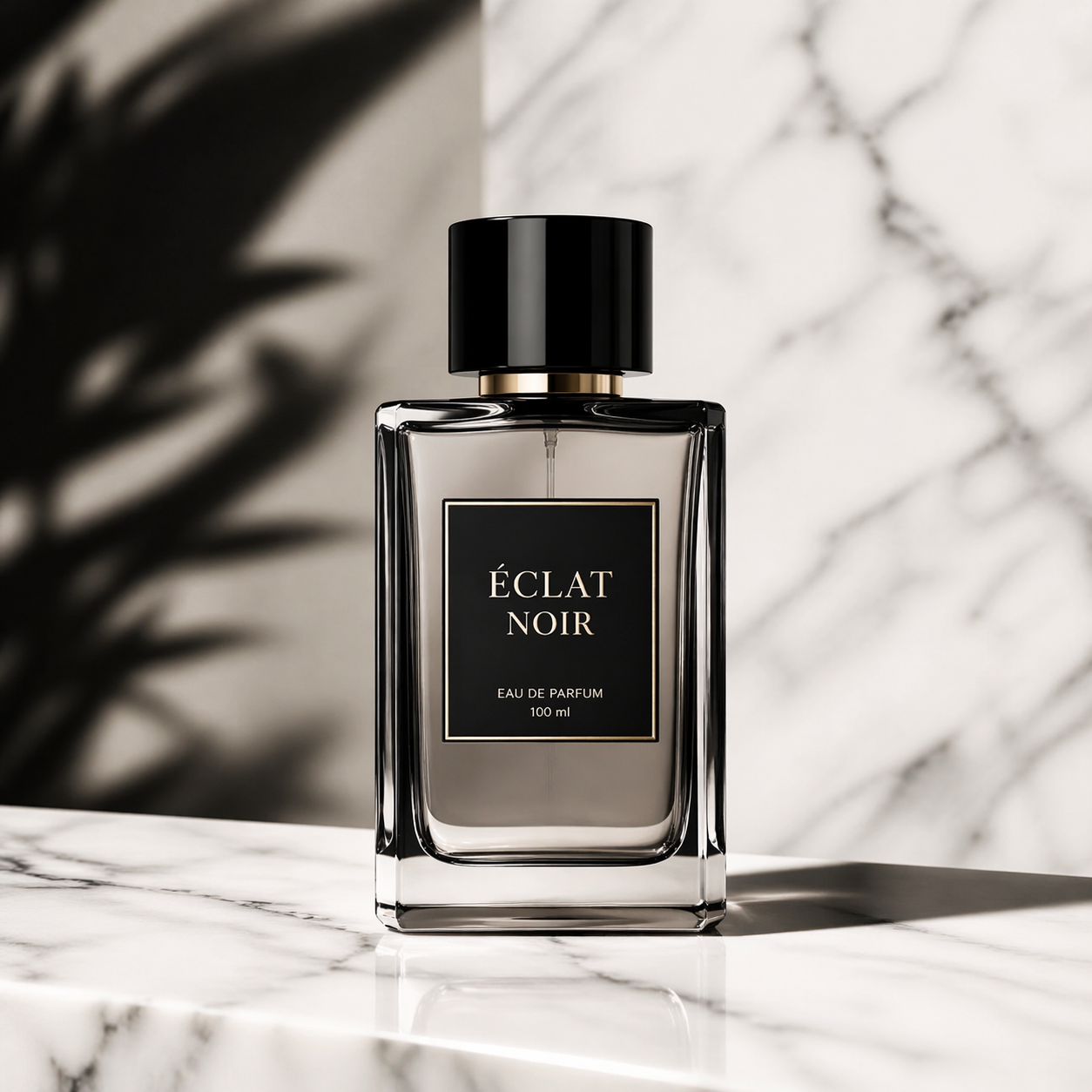
Product Photography
Luxury perfume bottle, studio lighting
GPT Image 2 by OpenAI represents a major leap in AI image generation, delivering photorealistic quality with unprecedented text accuracy and natural language editing.
GPT Image 2 generates stunningly realistic images with accurate lighting, textures, and compositions that rival professional photography.
GPT Image 2 dramatically improves text accuracy in generated images, making it perfect for logos, posters, signage, and branded content.
Upload any photo and describe edits in plain language. GPT Image 2 handles inpainting, outpainting, and background changes without masks.
Lock a face or object from a reference photo and GPT Image 2 keeps the subject recognizable across different scenes, poses, and outfits.
No complex prompts needed. GPT Image 2 understands conversational descriptions — just tell it what you want as if talking to a human artist.
GPT Image 2 supports Auto, 1:1, 2:3, 3:2, 9:16, and 16:9 formats — perfect for any platform from Instagram to YouTube thumbnails.
GPT Image 2 is OpenAI's latest and most capable AI image generation model, released as part of the ChatGPT Images 2.0 update. Building on the foundation of previous generations, GPT Image 2 delivers the most significant quality jump in AI image generation to date. Whether you're a designer, marketer, content creator, or business owner, GPT Image 2 provides professional-grade image creation and editing through an intuitive, natural language interface.
One of the most groundbreaking features of GPT Image 2 is its ability to render accurate, readable text directly within generated images. Previous AI image models struggled significantly with text — often producing garbled characters or misspelled words. GPT Image 2 solves this problem, making it the ideal choice for creating logos, posters, social media graphics, and any visual content that includes text elements.
GPT Image 2 supports two primary workflows: text-to-image generation, where you describe what you want and GPT Image 2 creates it from scratch, and image-to-image editing, where you upload an existing photo and use natural language to describe the changes you want. Both workflows leverage GPT Image 2's deep understanding of visual composition, lighting, color theory, and artistic styles.
For developers and businesses looking to integrate GPT Image 2 into their applications, the GPT Image 2 API is available through OpenAI's platform and third-party providers. The GPT Image 2 API supports all the same capabilities as the web interface, enabling automated image generation at scale for e-commerce, content marketing, and creative automation workflows.
See how GPT Image 2 compares to Nano Banana 2 and Nano Banana Pro. Each model has unique strengths — find the right AI image generator for your needs.
| Feature | GPT Image 2 | Nano Banana 2 | Nano Banana Pro |
|---|---|---|---|
| Underlying Model | OpenAI GPT Image 2 | Gemini 3.1 Flash | Nano Banana Pro |
| Best For | Photorealism, text rendering, complex compositions | Speed, 4K quality, character consistency | Cost-effective, high-volume generation |
| Max Resolution | 2K (4K with upscaling) | 4K native | 4K native |
| Text Accuracy | Excellent | Good | Good |
| Generation Speed | ~30-60s | ~15-30s | ~20-40s |
| Aspect Ratios | 6 options | 11 options | 11 options |
| Image Editing | Yes (natural language) | Yes (natural language) | Yes |
| Cost per Image | Higher | Moderate | Lower |
From social media graphics to professional design work, GPT Image 2 delivers studio-quality results for every creative project.
Create eye-catching Instagram posts, TikTok thumbnails, and social media content with GPT Image 2's photorealistic output and accurate text overlay.
Generate professional marketing visuals, ad creatives, and promotional images with GPT Image 2 that look studio-quality without the studio budget.
Design logos and brand assets with GPT Image 2's superior text rendering — get readable, well-designed text in your generated images.
Visualize product concepts and packaging designs with GPT Image 2's photorealistic rendering before investing in physical prototyping.
Create high-resolution posters, flyers, and print materials with GPT Image 2 that include accurate text, perfect for events and promotions.
Transform existing photos with GPT Image 2's natural language editing — change backgrounds, adjust styles, or add elements without learning complex tools.
Select Text to Image to create new visuals from text descriptions, or choose Edit Image to upload and modify existing photos with GPT Image 2's AI-powered editing.
Write a detailed prompt describing the image you want to create or the edits you want to make. GPT Image 2 understands natural language, so be specific about style, mood, and details.
Choose the aspect ratio that fits your needs — 1:1 for social media, 16:9 for landscapes, 9:16 for stories, or let GPT Image 2 auto-select the best format.
Click Generate and let GPT Image 2 create your image. Once ready, download in high quality or use the Edit Further option to refine the result with additional prompts.
Master GPT Image 2 prompting with these expert tips. Write better prompts to get the most out of GPT Image 2's powerful generation capabilities.
Be specific and detailed: GPT Image 2 responds best to rich descriptions. Include style, subject, lighting, colors, mood, and composition details for the best results.
Specify the art style: Tell GPT Image 2 whether you want photorealistic, illustration, anime, oil painting, watercolor, digital art, or any other style to guide the output.
Use text deliberately: GPT Image 2 excels at rendering text in images. When you need text in your image, put the exact words in quotes in your prompt for maximum accuracy.
Leverage reference images: For image editing with GPT Image 2, upload a clear reference image and describe your changes precisely. The more specific your edit instructions, the better GPT Image 2 performs.
Iterate and refine: Use GPT Image 2's Edit Further feature to build on previous results. You can start with a base generation and progressively refine it with additional prompts.
Consider camera and perspective: GPT Image 2 understands photography terms. Mention camera angles, lens types, depth of field, and perspective to get more controlled results.
GPT Image 2 text-to-image generation allows you to create any image from a simple text description. Unlike earlier AI image generators that required carefully engineered prompts, GPT Image 2 understands natural, conversational language. You can describe a scene as if explaining it to a friend, and GPT Image 2 will produce a high-quality image matching your description. Whether you need a photorealistic landscape, a stylized illustration, or a product mockup, GPT Image 2 handles it all with remarkable fidelity.
The GPT Image 2 image-to-image editing feature lets you transform existing photos using natural language commands. Upload any image — a portrait, product photo, or landscape — and tell GPT Image 2 what you want changed. You can replace backgrounds, adjust lighting, add or remove objects, change art styles, and much more. GPT Image 2 performs these edits while maintaining the integrity of the original image, making it an invaluable tool for designers and photographers who need to quickly iterate on visual concepts.
For developers building AI-powered applications, the GPT Image 2 API provides programmatic access to all generation capabilities. The GPT Image 2 API supports text-to-image generation with customizable aspect ratios, image-to-image editing with reference image uploads, and batch processing for high-volume workflows. With clear documentation and straightforward authentication, integrating GPT Image 2 into your application is straightforward whether you're building an e-commerce platform, content management system, or creative tool.
GPT Image 2 is designed to be accessible to everyone. You can try GPT Image 2 free online through our platform with no sign-up required. For regular users and businesses, credit-based plans offer generous generation allowances at competitive prices. Compared to hiring a professional designer or photographer, GPT Image 2 delivers comparable quality at a fraction of the cost and time. Whether you're a solo creator or a large enterprise, GPT Image 2's flexible pricing makes professional AI image generation accessible to all.
Experience OpenAI's most advanced AI image generator — Free GPT Image 2 with photorealistic quality and text rendering
